 Viveka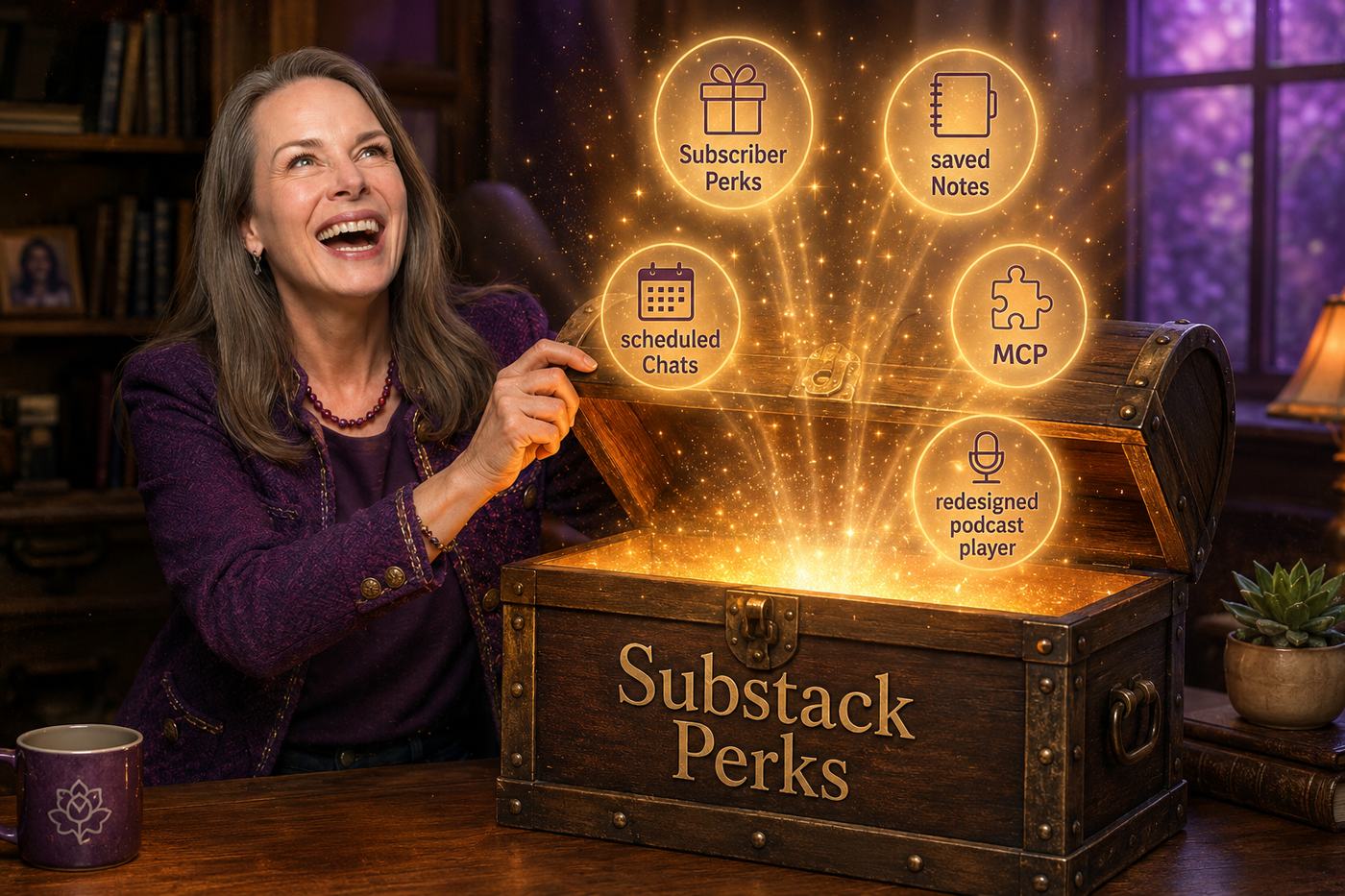
Written in July 2026, just after Substack’s July 6 update. The platform’s menus shift, so treat the exact button paths as a snapshot — the reason to do this doesn’t change.
What are Substack Subscriber Perks?
Subscriber Perks are a tab on any paid Substack publication where you hand your paying subscribers something extra, on top of your regular posts — a discount code, a downloadable file, an invite to a private group, a link to a resource, or an invite to a live session. It’s live for anyone with payments turned on, and you can set different perks for monthly, annual, and founding members, which is a clean way to reward your most committed people without doing anything extra for everyone else.
What’s telling is what Substack’s own examples actually are: one writer offering a shopping guide, another a curated list of people to meet at a conference, another a six-day meal plan. None of it is a new product built for the feature. It’s existing work, finally given a shelf.
Why does this matter more than a feature update?
Because if you’ve spent twenty-plus years building real expertise, you almost certainly have finished work sitting untouched somewhere — not an idea for something, but an actual finished product. A worksheet you built for one client and never opened again. A framework you reuse on every single call but never thought to offer on its own. A training you recorded once, meaning to turn it into “a real course eventually,” and then didn’t. You rarely think of that material as something to sell, because charging for “just a PDF” feels small next to the actual coaching you do, so you give it away and underprice yourself a little more without noticing you did it.
I don’t think that’s a pricing problem so much as a receiving problem — a discomfort with getting paid for something that was easy for you to make, even though “easy for you” is exactly what all that expertise is supposed to buy you. Perks just happens to be a low-drama way to practice fixing it, because setting one up doesn’t require a course, a sales page, or any production at all. You open a folder and put a price on something that’s already done. (It’s the same folder I wrote about in Your IP Is Already an App — there the move was turning it into software; here it’s just finally charging for it.)
How do you set up your first Subscriber Perk?
Perks live in your web publication’s settings, not the mobile app, and you need payments enabled for the option to appear at all. Here’s the short version, which is really all you need:
- Find something finished — not something you’d need three hours to clean up. A good test: what have you explained more than three times to different clients? That’s usually the thing.
- In your publication Settings, scroll to Payments, open Subscriber Perks, and click Create Perk.
- Pick the type. Substack gives you five: a discount or promo code (for something you sell elsewhere, like a VIOS session or your book), a digital download (a file up to 700 MB, so a PDF or workbook fits easily), a community invite (a link to a private space like a Skool or Discord group), a plain link (to any resource, including a Zoom recording), or a Substack Live invite to a future paid-subscriber session.
- Write the title and a description the way you’d describe it to a client, not the way you’d write a sales page — you’re being clear about what they get, not convincing anyone — and add an image at least 1200 by 800 pixels.
- Choose who gets it. You can open it to all paid subscribers or reserve it for annual and founding members, which isn’t stinginess — it’s giving your most committed people an actual reason to be your most committed people.
- Know the refund rule before you publish: Substack won’t honor a refund from someone who cancels after redeeming a perk, and subscribers have to acknowledge that before they redeem one. It protects you, and it’s disclosed to them plainly.
Then publish and say one sentence about it in your next post — “paid subscribers now have access to X in the Perks tab” — and stop there. No campaign required. That’s the whole point.
Which of the other Substack updates actually matter?
The rest of the July batch is smaller, and most of it you can just note and move on. Saved Notes let readers bookmark your Notes, which mostly raises the bar on writing a Note worth saving rather than filler between posts. Scheduled Chats let you set a recurring community thread — a Tuesday-morning prompt, a monthly “what are you working on” — and let it post on its own, which is genuinely useful if you’d rather your business not be chained to your phone. MCP support lets a publication pull its own analytics into Claude or ChatGPT to ask plain questions about growth, but it’s currently limited to Substack’s Bestseller tier, so for most of us it’s a revisit-later item. And the podcast player got real upgrades (playback speed, offline download, a sleep timer, a queue) automatically, which matters more than it sounds for anything over twenty minutes, since it makes your longer interviews easier for someone to actually finish.
What should you actually do this week?
You don’t need to create a brand-new offer this month. You need five or ten minutes with a folder you’ve been avoiding, and permission to charge for something you already finished a long time ago. Go find the thing you’ve explained more than three times, the one that already has a name in your head, and set it up — as a Perk, as a community invite, as a plain download — and put a price on it.
The tooling was never really what stood in your way. So here’s the part I mean most: I’ll believe in you even if you don’t believe yet that the thing you built is worth paying for.