 Viveka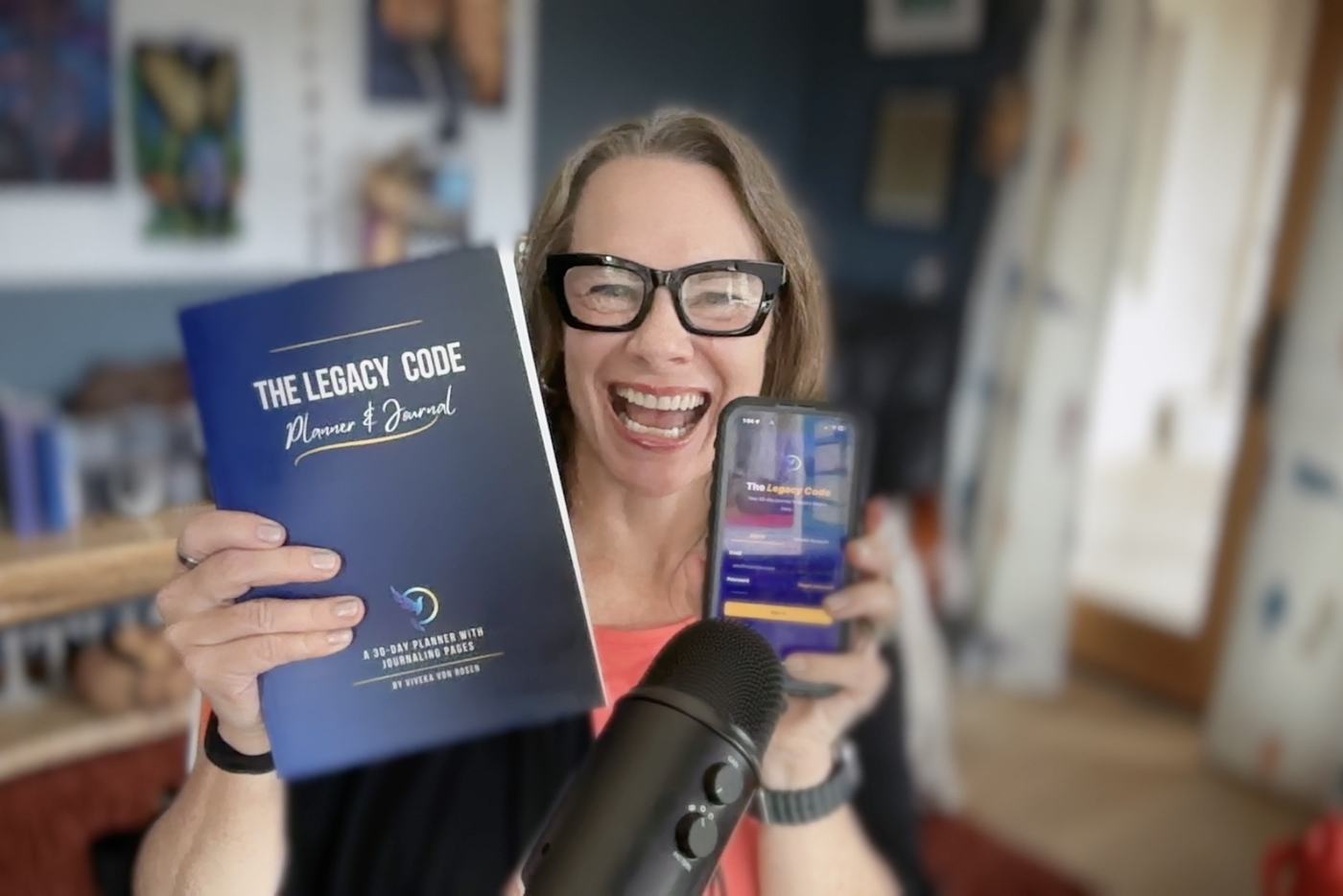
What does “your IP is already an app” actually mean?
It means the thing you already use with clients — a PDF, a framework, a workbook, an intake form, a system you’ve taught a hundred times — is a product. It just isn’t yet in a form anyone can use without you in the room. You’ve probably never thought of it as a product because it’s just the thing you use, but that’s exactly what makes it one.
Content gets read once. An asset gets used. The move here isn’t sitting down one Tuesday to invent the next thing — it’s taking something you’ve relied on for years and asking a different question: what do I already have that should live somewhere more accessible than a notebook I keep forgetting to bring with me?
How do you turn a journal, a PDF, or a spreadsheet into an app?
You start with the thing you already own — its structure, its flow, the language you’ve already written and rewritten — and you build it with AI instead of hiring a developer. My Legacy Code Journal had been through ten print versions before it ever became an app; it started as a paper journal, and before that a Google doc I was working out for myself, and every time I used it I’d notice something to fix and revise it again.
So when I finally built the app, I wasn’t starting from a blank page. I tried the easy button first — Lovable, which I genuinely love, because you describe what you want and get a working web app to tweak from there. For a lot of projects it’s perfect. For this one it was a slog: the structure (month, week, day, plus a review layer that pulled across all of them) didn’t translate cleanly, and I spent more time fighting the platform than building the thing. So I moved to Claude Code, and within 30 minutes I had a version that looked like my journal and behaved like my journal. The next three hours were polish — and it was still throwing a “failed to fetch” error in front of a live audience when I demoed it, which was very humbling. (We’re in beta. On purpose.) If you want the same three modes I lean on for this kind of work, I wrote about them in ChatGPT Work vs Claude Cowork.
Do you have to be technical to build it?
No — and the calendar piece is the clearest proof. I wanted the journal’s weekly view to pull from my Google Calendar so I wasn’t retyping everything twice, so I asked Claude whether that was even possible. The answer was yes, go get an API key, here’s how to set it up. I got the key, plugged it in, and the weekly view now populates from my actual schedule.
Three years ago, that’s a feature I would have hired someone to build. Last week it took about twenty minutes. That’s the shift — the gap between “I have an idea for a tool” and “the tool exists” has mostly closed, and it closed for people who don’t write code.
What can the app do that the paper version can’t?
It aggregates and adapts, which paper never could. The paper journal has a daily page, a weekly page, and a monthly page, but it can’t tell you what you tracked this month — you can flip back and remember, but you can’t ask it. The app can. A few other things the paper version was never going to do:
- Voice input, because some days you’d rather talk an entry than type it, and some days typing is simply harder than talking.
- Photo upload with transcription, for the people who still want to handwrite — you write your page, snap a picture, and it reads it back as searchable text. The embodied act of writing by hand, plus the searchability of digital.
- A place to track who you’re reaching out to, one person a day, which the paper version never made easy to see across a week or a month. One outreach a day is enough to change the trajectory of a business.
All the same content as the paper version — the affirmations, the action plans, the gratitude — just on the thing that’s already in your pocket.
How do you find your own asset?
Look at what you do with clients the same way every single time. The framework you walk people through on every discovery call, the workbook, the checklist, the process you run from memory — that’s the asset, and it’s been carrying your business all along without you calling it a product.
When I looked at my own work, the journal was the obvious one because I’d already published it, but there are at least five other things sitting around that could be apps. The visibility audit I used to take clients through one-on-one is already one — that’s VIOS now, live at visibilityos.tech. My content-planning system is a spreadsheet with logic baked in that would be better as an app, because it could adapt to each person’s inputs instead of making them think in my columns. You almost certainly have these too.
So where’s the actual how-to?
The step-by-step — the exact prompts I used to brief Claude Code, how I structured the project files, the calendar API setup, and the workflow for turning any existing PDF or workbook into an app — is in the paid version of this piece on my Substack. If you’d rather not build it yourself, the done-with-you path is VIOS, which is where we take the asset you already own and turn it into something people can use without you in the room. Either way, stop trying to come up with the next thing. The thing is already on your hard drive.